For agents · Where it hurts: Booked

Booking a shoot shouldn’t take three phone calls.

Photos, drone and a floor plan for Thursday. That’s a call to check the time, a text with the address and an email with the lockbox code.

The short answer

Book in about a minute from your phone, at times the photographer can actually make.

How Locium handles it

Three steps, on the real screens.

Mon 8:14 am

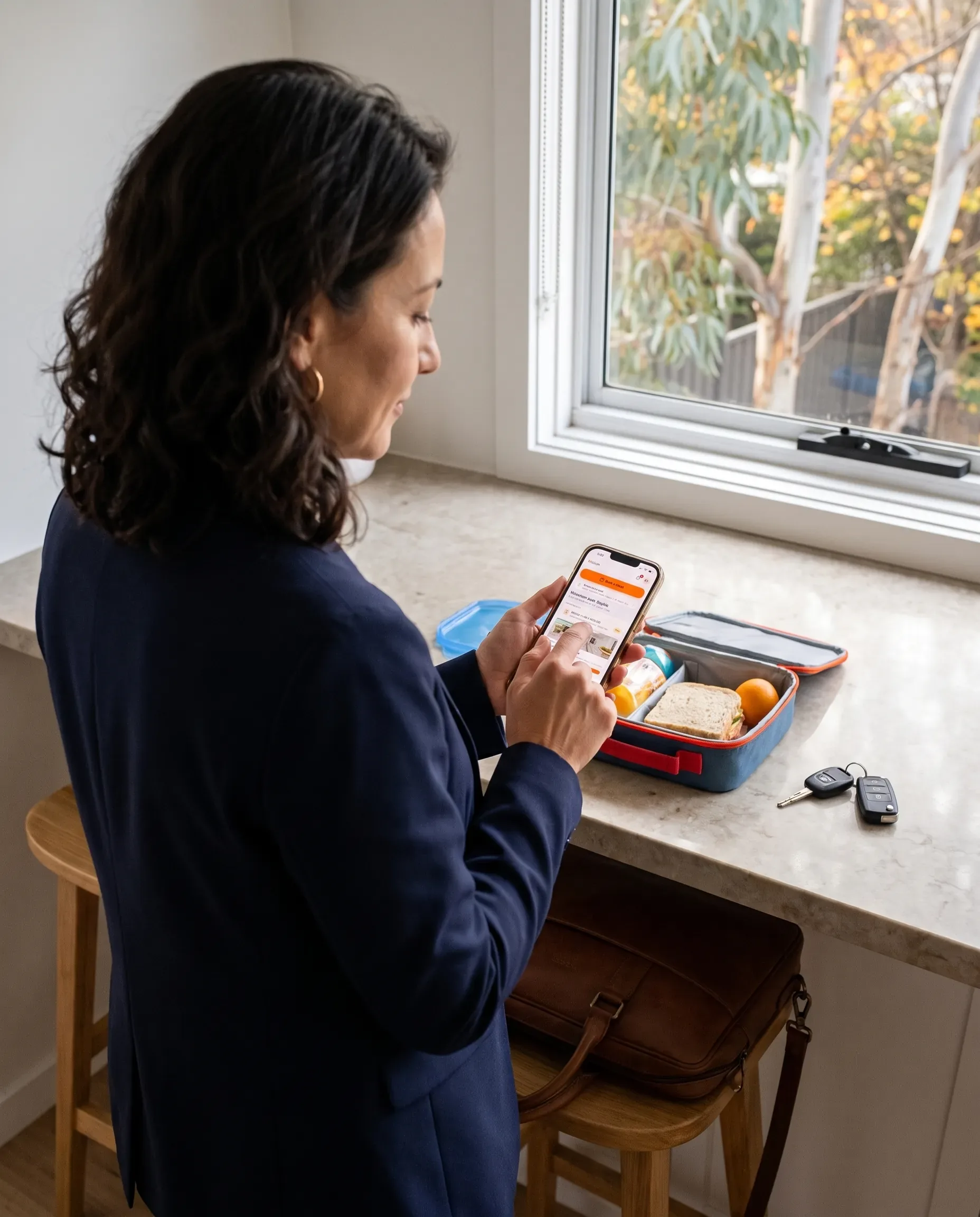
Book your usual in one tap

Returning agents get a shortcut to their regular package and extras, from an icon on their phone’s home screen.

More at this step · 2
  • Book your usual: returning clients get a one-tap shortcut to their regular package and extras
  • Saves to the home screen on iPhone and Android, so it opens like an app
Mon 8:15 am

Only times that work

The booking page only shows slots a photographer can reach, with the price and any saving before you confirm.

More at this step · 2
  • Online booking only offers times a photographer can actually take, inside your business hours, blocked-out days and time increments
  • Request a morning or afternoon when no slot fits, or keep a preferred time as a request; it lands in Needs you as Time to confirm

Mon 8:16 am

Access details asked once

Lockbox codes, parking and pets go on a short pre-shoot form, and everyone on the listing team gets the calendar invite.

More at this step · 3
  • Pre-shoot intake forms: lockbox codes, parking, pets and access details collected before the shoot
  • Teams on bookings: book one agent and the whole team gets the invite, the updates and the finished media
  • Calendar invites (.ics) to everyone on the job, kept up to date when the time changes

Want this from your photographer?

Send them the agents’ page. If your office runs its own media team, you can start on Locium yourself.